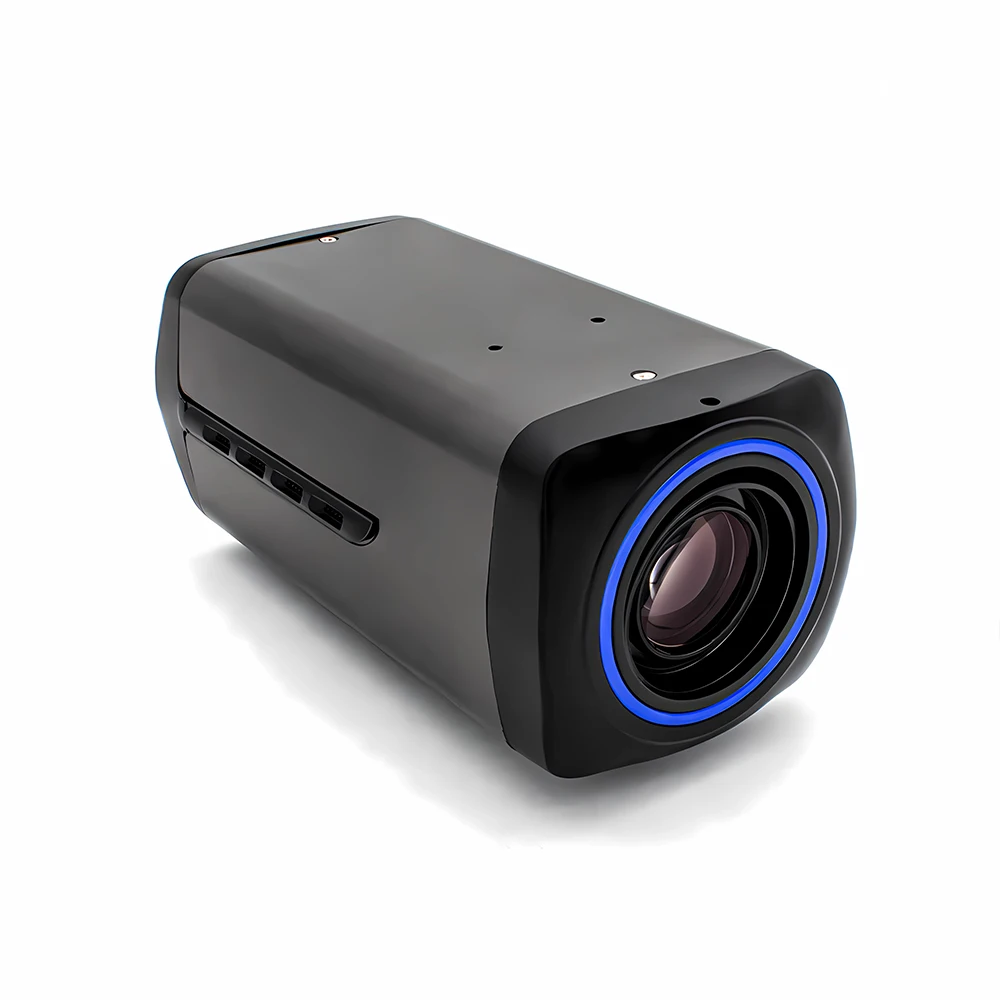
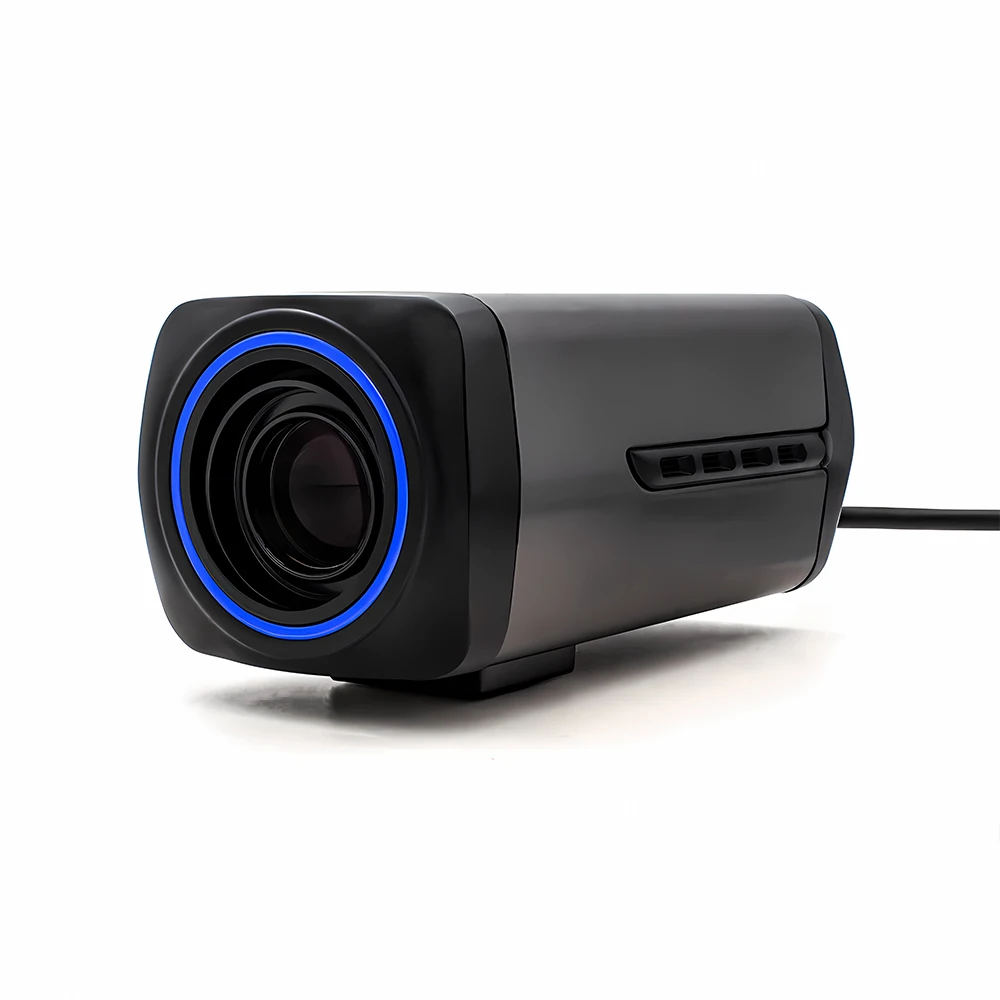
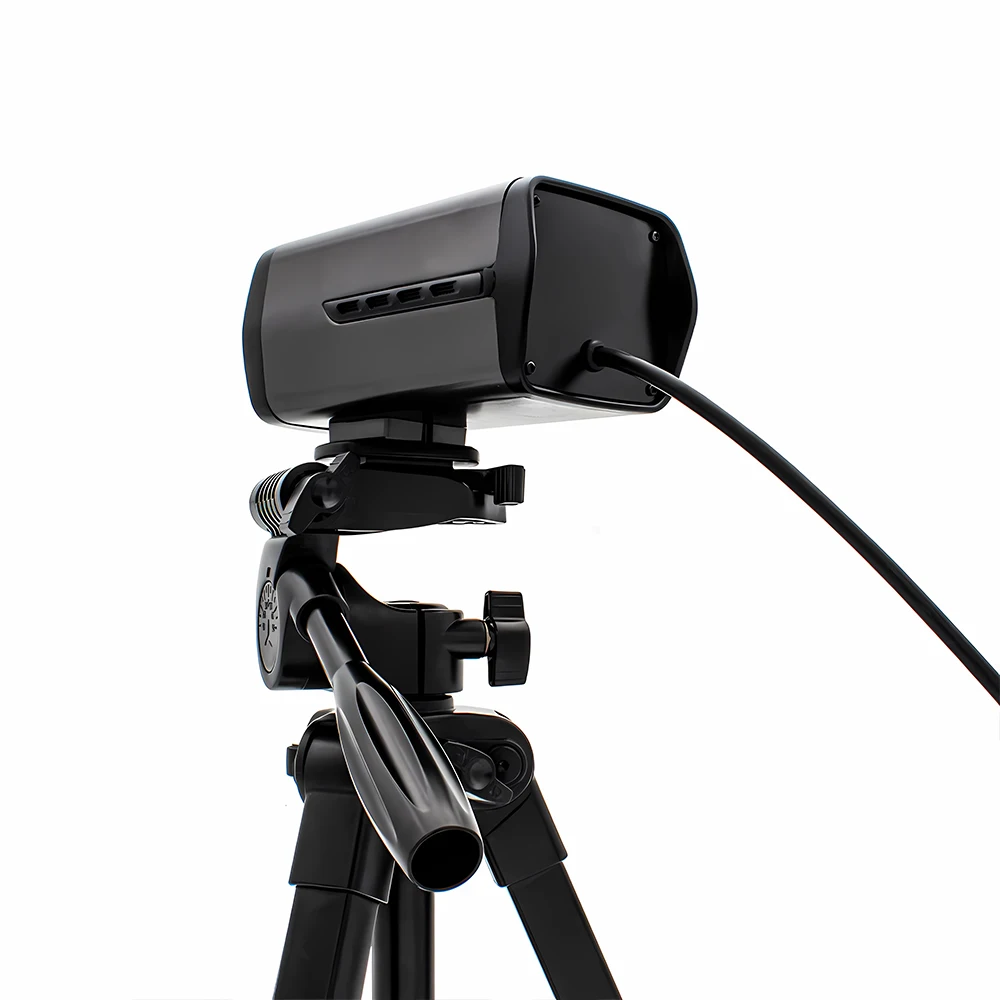
WGWK 36X Zoom PC Webcam 4K POE48V Camera Auto Focus Remote Control Motorized 5MP 30FPS Network Camera For Video Live Streaming
Reliable shipping
Flexible returns
SPECIFICATIONS
AI Functions: Motion Detection
Alarm Action: FTP Photo,telefon Alarm,Email Photo
App name: Other
Brand Name: WGWK
Connectivity: IP/Network Wired
Dimensions (L x W x D)(mm): 61x69x136.5mm
High Definition: 8.0 Megapixels
High-concerned chemical: none
Image processing: 5MP 30FPS 8MP 20FPS
Installation: Ceiling,Normal,Wall Mounted
Internal Storage: None
Lens (mm): 4.7-147mm
Lens Quantity: Single Lens
Main control chip: SSC377D
Megapixels: 8MP
Model Number: WGWK-AS500J
Network interface: 1 RJ45 Ethernet interface, 10/100M adaptive
Network protocol: supports HTTP/RTSP/DHCP/NTP/ONVIF and other network protocols
Operating Temperature: -10°-60°
Optical Zoom: Other
Origin: Mainland China
Power Supply: With Poe
Power supply: DC12V power input interface power consumption 130mA
Rechargeable Battery: NONE
Sensor: CMOS
Shell Material: Metal
Smart home platform: Other
Style: Box Camera
Supported Mobile Systems: Windows Mobile,Android,iOS
Supported Operating Systems: Windows 98,Windows XP,Windows Vista,Windows 7,macOS,Windows 8,Windows 10,Windows 2000,Windows 2008,Windows 2003
TF Card: None
Video Compression Format: H.265
Whether or Not 50Vac or 75Vdc or Higher Power Supply: No
Zoom: 30x
Zoom type: Digital zoom
is_customized: Yes
【Best-selling products】IP Network Camera, click the image for direct access to the purchase channel ▶
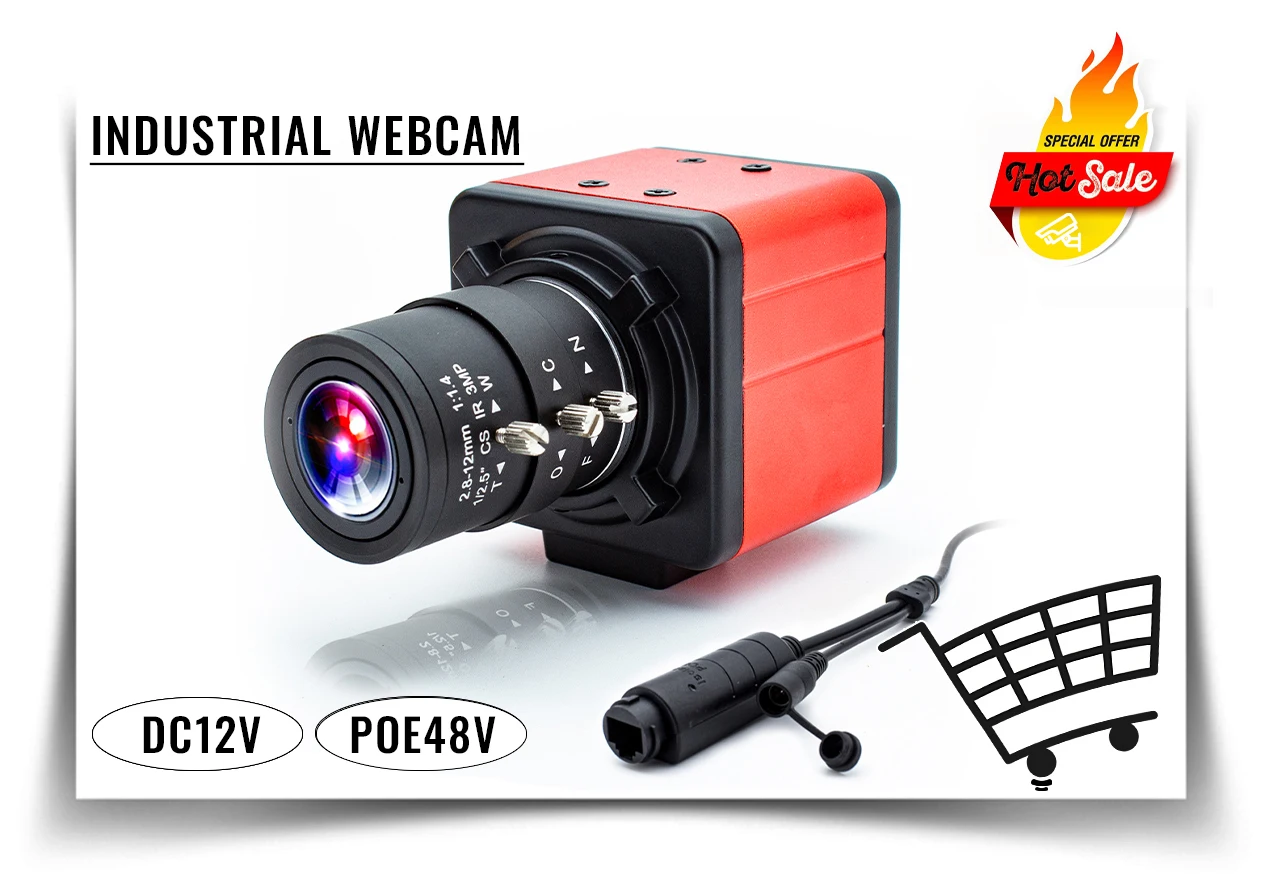
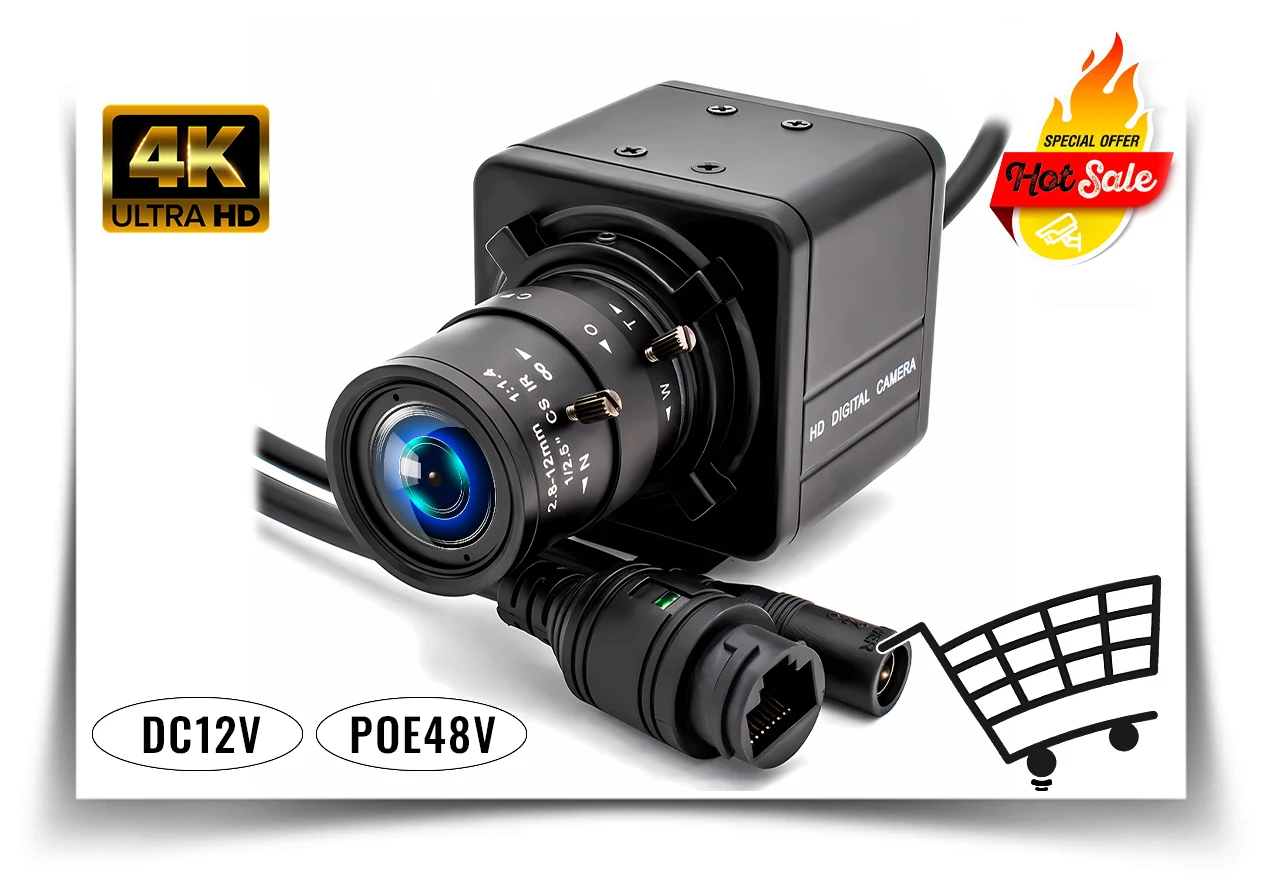
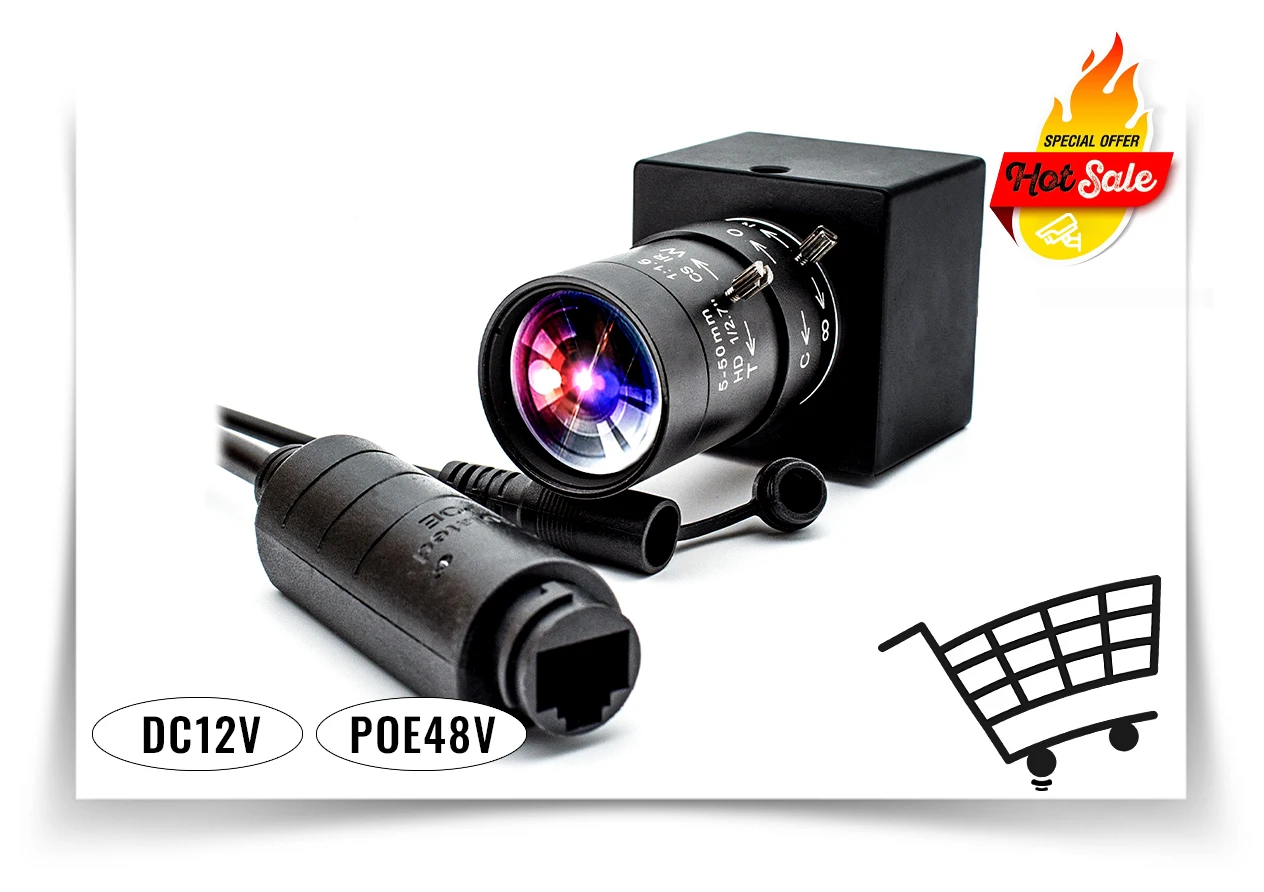
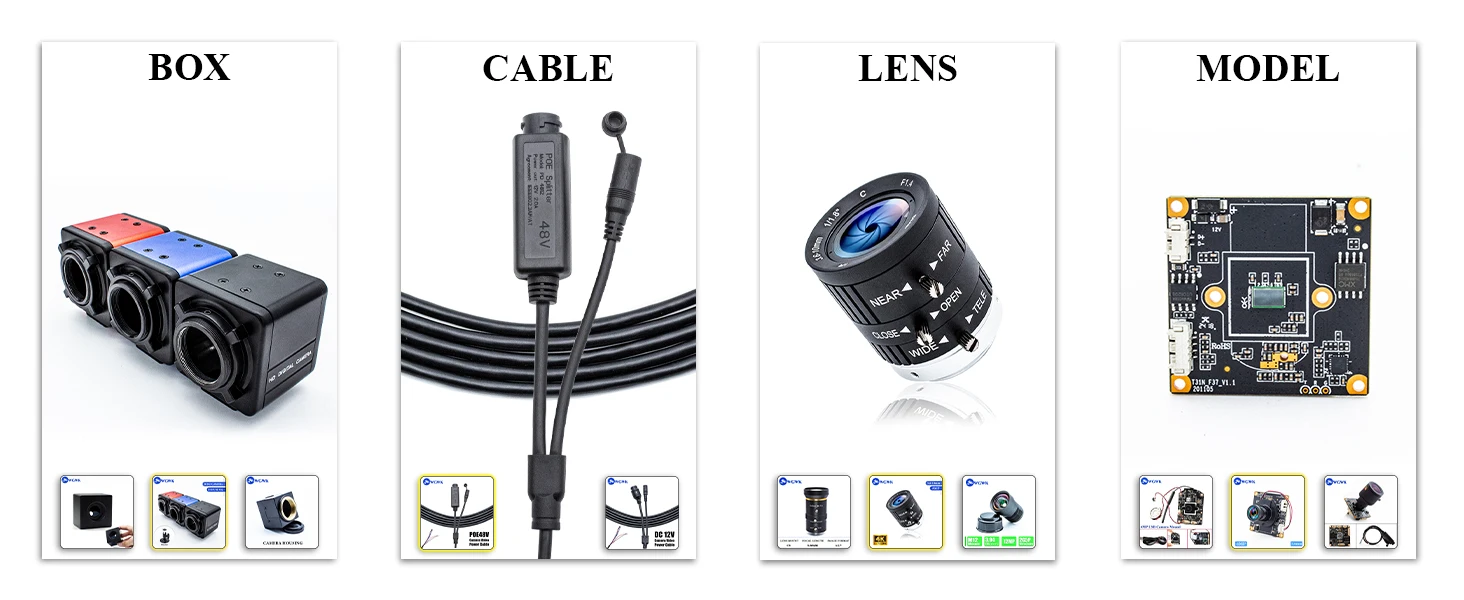
Enhance the flexibility and efficiency of your industrial applications by choosing our customizable industrial cameras! Whether it's the housing design, cable length, lens specifications, or special features, this camera can provide you with tailored solutions.
WGWK 4K 36X Zoom Camera Auto Focus H.265 Webcam Remote Control Motorized 5MP High Speed 30FPS Network Camera For Live Streaming

36X Electric Zoom Webcam Module
Enhance your surveillance experience with our 36x electric zoom webcam module. Whether it's home security, commercial surveillance, or intelligent traffic management, our camera modules are tailored to meet your needs, providing clear, detailed image quality and flexible zoom capabilities that allow you to master every detail.



Powerful zoom function: Equipped with 36 times optical zoom, support near and far switch, no need to worry about detail loss, remote monitoring clearly visible.
Hd picture quality: HD picture resolution ensures clear, realistic images in all light conditions, making every frame come to life.
Intelligent monitoring: Support intelligent motion detection, real-time alarm function, to ensure the first time to obtain monitoring dynamics, improve the security effect.
Easy control: Easy control through mobile APP or computer side, real-time view the picture, anytime and anywhere to grasp the surrounding dynamics.
Durable design: The modules are made of high-quality materials and are weather-resistant, suitable for indoor and outdoor use.
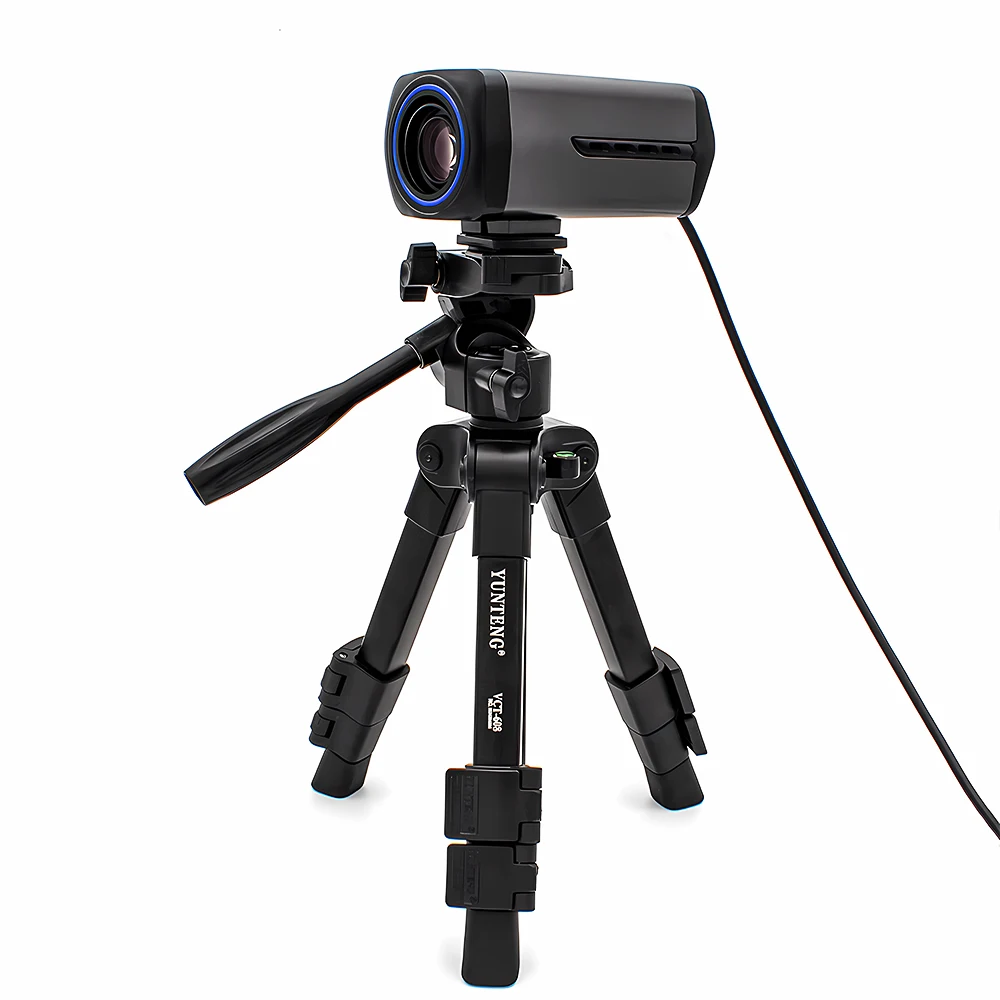
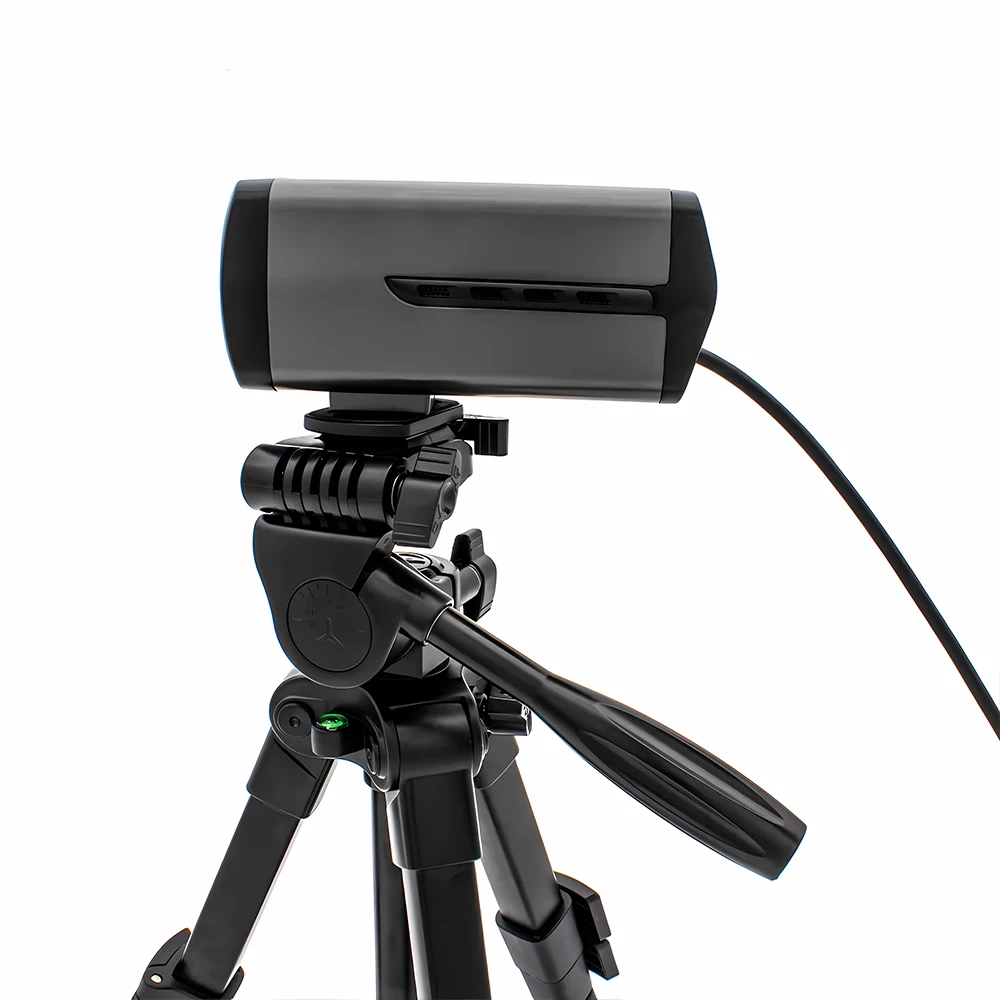
Multiple installation methods: Flexible installation options to adapt to different scenarios, convenient and fast.


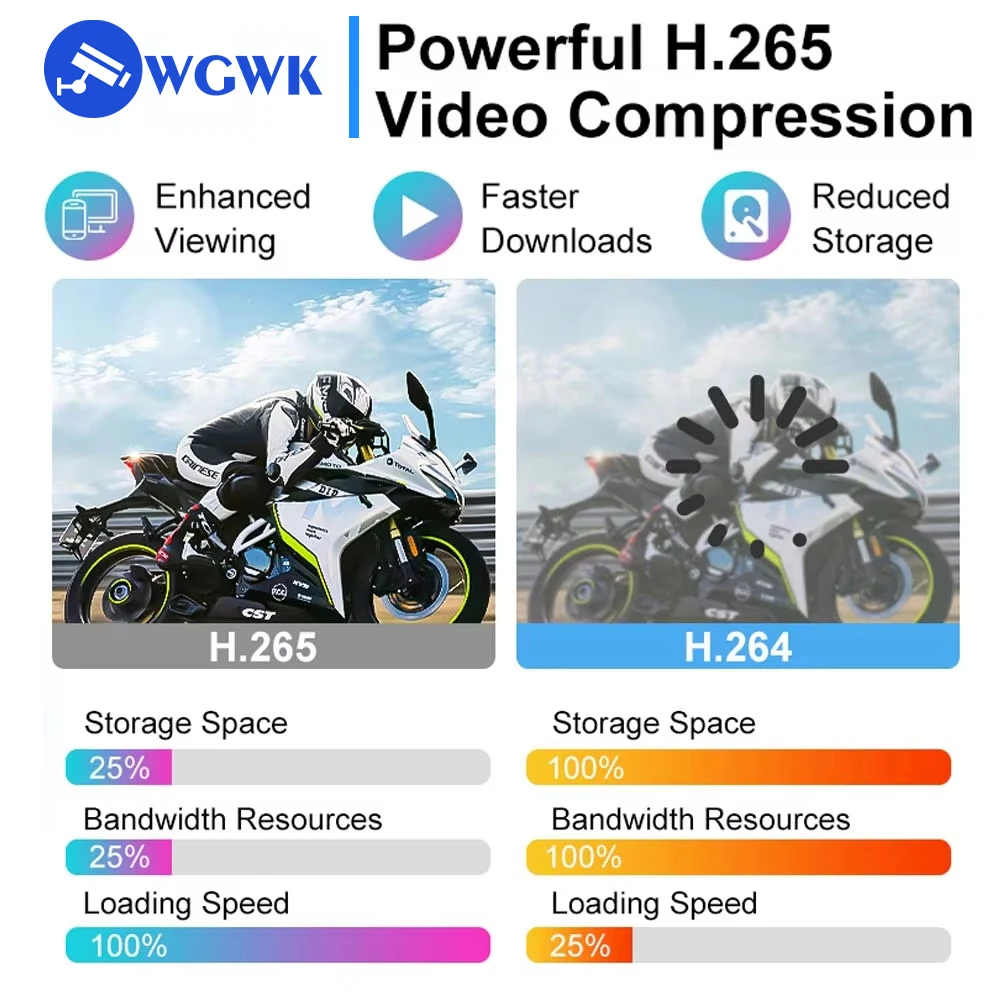
Why H.265+?
H.265+ is an enhanced video compression standard optimized for surveillance, offering superior efficiency by reducing bandwidth and storage needs while maintaining high image quality. It minimizes file sizes, lowers storage costs, improves network performance, and supports high-resolution video like 4K/8K. By efficiently handling static or low-motion scenes, H.265+ ensures smoother streaming and reduces energy consumption, making it ideal for security, broadcasting, and other video-intensive applications.

Model NO. |
WGWK-AS500J |
|||
Main control chip |
SSC377D |
|||
Image sensor |
5MP , 1/2.8″CM0S, IMX335 |
|||
Video processing |
H.265+/H.265/H.264 video encoding, supports adjustable code stream 0.1M~6Mbps; supports adjustable frame rate 1~25 frames/second; |
|||
Image processing |
Main stream: 30FPS@ (2592×1944, 2560×1440, 2304×1296, 1920×1080, 1280×720, 1944X1944, 1200X1200);20FPS@(3840×2160) Sub-stream: D1, VGA, 640×360; |
|||
Audio interface |
Audio linear 1 input and 1 output |
|||
Audio processing |
G.711 encoding standard, supports two-way voice intercom, and supports audio and video synchronization |
|||
IRCUT interface |
integrated IRCUT switching circuit, automatic/external control/manual/timing to control IRCUT day and night mode |
|||
Network interface |
1 RJ45 Ethernet interface, 10/100M adaptive |
|||
Light board interface |
PWM infrared, PWM warm light |
|||
Reliability |
Comprehensive lightning protection for power supply and network, in line with national standard GB/T17626.5 and international standard IEC61000-4-5 |
|||
Business functions |
Support OSD, support real-time audio and video transmission,accurate humanoid detection, dual light source alarm, and sound alarm |
|||
Network protocol |
supports HTTP/RTSP/DHCP/NTP/ONVIF and other network protocols |
|||
Power supply |
DC12V power input interface power consumption 130mA |
|||
Working environment |
-40~+65°℃ |
|||

About computer operation and use
1. Make sure the camera is connected to the power supply and network
(the signal light flashes to prove that everything is normal)
2. Download the client to the computer:
(LMS) http://www.anjvision.com:8021/client/LMS_install_v5.4.0_20240725.exe
(AjDevTools) http://online.anjvision.com/client/AjDevTools_V5.8.6_20240711.exe
3.APP download: Search AC18Pro in Apple Store; Scan QR code download
About RTSP
The RTSP URL format is as follows (assuming the IPC IP is 192.168.0.123):
Main stream: rtsp://admin:123456@192.168.0.123/stream0
Sub-stream: rtsp://admin:123456@192.168.0.123/stream1
above RTSP URL, if audio is turned on, the streaming data will contain video and audio.
If you only need video or audio data, use the following URL:
Main stream pure video: rtsp://admin:123456@192.168.0.123/video1
Sub-stream pure video: rtsp://admin:123456@192.168.0.123/ video2
pure audio: rtsp://admin:123456@192.168.0.123/audio
Step 1. Install LMS
Contact customer service to get camera software.
Step 2. Login LMS
Login Password:123456
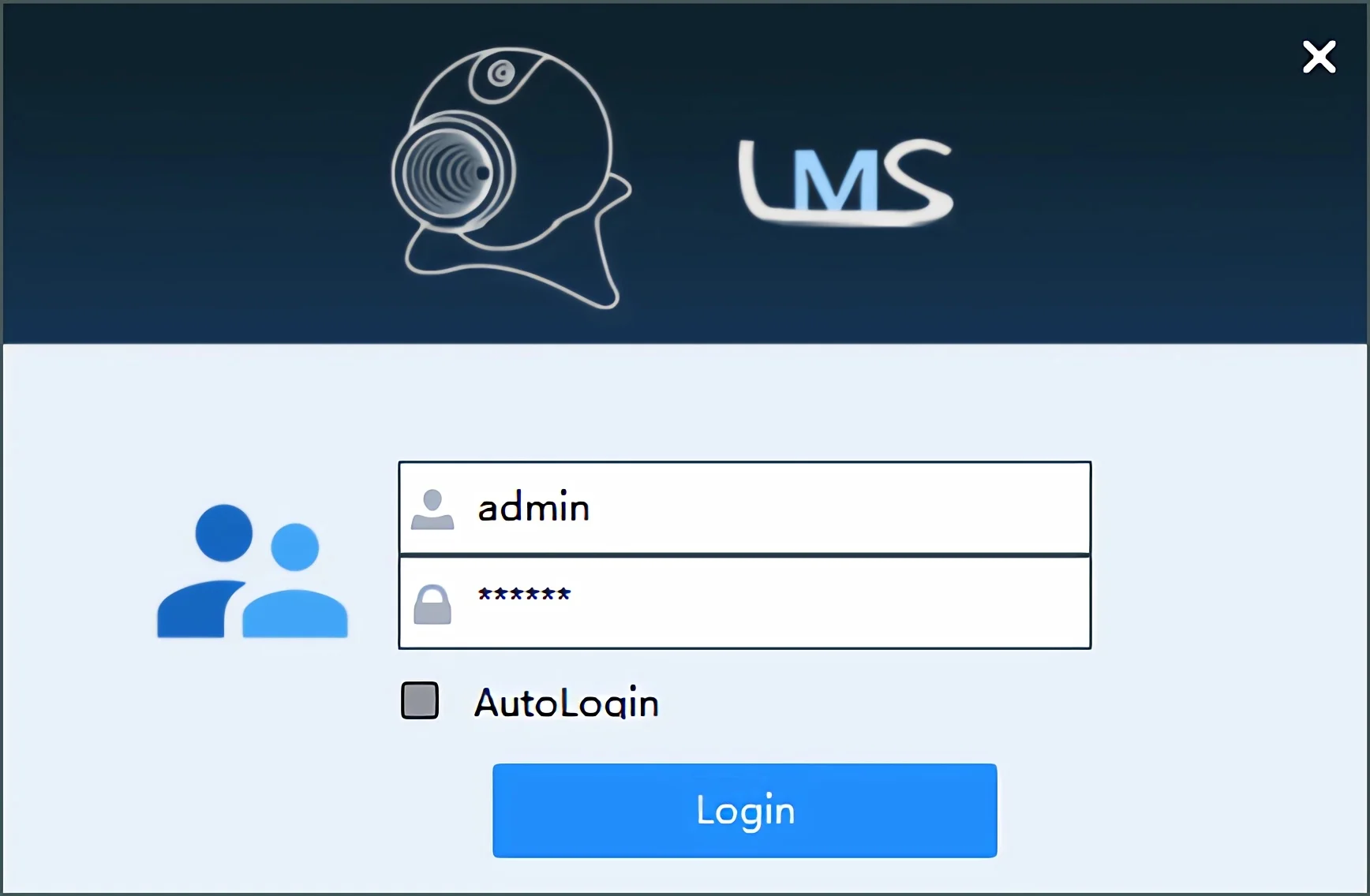
Step 3. Search for cameras connected to the local area network
Double-click the camera to add it

Step 4. Switch to the camera live view


 About Us:
1. We only ship to confirmed order addresses. Your order address MUST MATCH your Shipping address. If Your Address is Defined As Remote Area, You'll Need Pay Extra Remote Shipping Fee.
2. If you have any question, Please leave us a message. Our goal is customer satisfaction!
3. Retail and Wholesale are All Welcome ! The More You Buy, the More Discounts You Get ! Feel Free to Contact us For More Selections!
4. SERVICE TRANSIT TIME is provided by the carrier and excludes weekends and holidays. Transit time may vary, particularly during the holiday season.
5. All returned items MUST BE in the original packaging and you MUST PROVIDE us with the shipping tracking number, specific reason for the return, and your order ID.
6. We maintain high standards of excellence and strive for 100% customer satisfaction! Feedback is very important. We request that you contact us immediately BEFORE you give us neutral or negative feedback, so that we can perform up your satisfaction.